
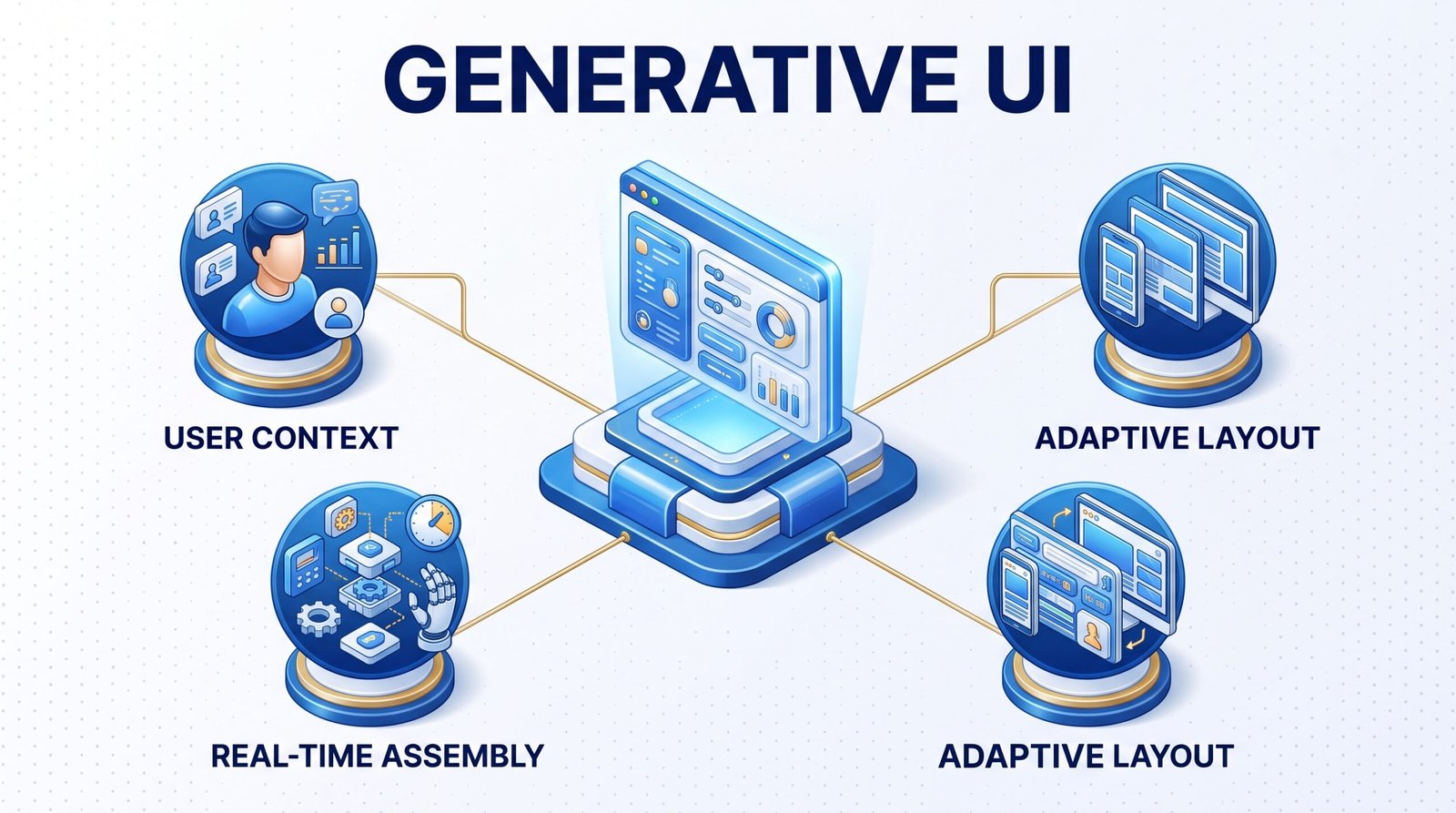
TL;DR: Generative UI uses AI to assemble and adjust interface layouts in real time based on each user’s context, replacing fixed screens with interfaces that reshape themselves around what a person actually needs.
Most software still shows every user the same screen. A dashboard, a checkout page, or a settings menu stays fixed regardless of who opens it or what they actually came to do. Generative UI breaks that pattern by letting AI models build and adjust interface components on the fly, based on the specific
context of each interaction.
This shift moves interface design from a fixed set of screens a team ships once to a system that keeps generating new arrangements as users interact with it. This article explains what generative UI actually means, how it differs from personalization you may already use, and what it takes to build one.
What Is Generative UI?
Generative UI refers to interfaces where an AI model creates or rearranges the actual components a user sees, rather than simply filling pre-built templates with different content. Instead of choosing between a handful of designed layouts, the system generates a layout suited to the specific request, then updates it as the task continues.
A user asking a data tool to show last quarter’s regional sales trends might receive a chart, a filtered table, and a summary, assembled specifically for that question. A different question generates a different combination of components entirely.
How It Differs from Personalization and Adaptive Design
Traditional personalization selects among a fixed set of pre-built variants based on user data, such as showing different homepage banners to different customer segments. The underlying components are designed and finished in advance.
Adaptive or responsive design adjusts layout based on screen size or device type, but the components themselves remain fixed regardless of what a user actually needs from the interface.
Generative UI goes further. The system builds the interface itself in response to intent, not just selecting among options a design team anticipated in advance. That distinction matters because it lets products handle requests nobody explicitly designed for.
Where Generative UI Is Already Showing Up
AI chat products increasingly build custom widgets, tables, or visualizations directly inside a conversation, rather than routing users to a separate dashboard for every answer.
E-commerce platforms are starting to reorganize product displays and filters based on what a shopper describes wanting, instead of relying on static category pages built around assumed browsing patterns.
Internal business tools let employees describe the report or view they need, then assemble an interface around that request instead of forcing users to navigate a fixed menu of pre-built reports.
What It Takes to Build a Generative UI Product
Building generative UI responsibly takes more than plugging a language model into a frontend. A few pieces matter most.
A component library the AI can safely assemble from keeps generated interfaces consistent with your brand and usable, rather than producing arbitrary layouts that break design standards.
Guardrails around what the system can and cannot generate prevent it from creating confusing or inaccessible interfaces under edge-case requests.
A fast rendering pipeline keeps generated interfaces responsive, since a system that takes several seconds to assemble a layout undermines the experience it is trying to improve.
Thorough testing across unusual and edge-case requests catches the layouts that break before real users encounter them, since AI-generated interfaces fail in ways fixed designs never do.
Our UX/UI design team works alongside our AI services team to build generative interfaces that stay usable and on-brand, instead of AI-generated layouts that technically work but confuse the people using them.
FAQ
Is generative UI the same as AI-generated code?
Not exactly. Generative UI can involve AI-generated code, but it specifically refers to the interface itself being assembled or rearranged dynamically in response to user context, not just code being written faster.
Does generative UI mean I no longer need a design system?
No. A strong design system and component library become more important with generative UI, not less, since the AI needs consistent, well-built components to assemble from.
Is generative UI ready for production use today?
Selectively, yes. It fits well in contexts like AI chat interfaces and internal tools, though broad consumer-facing generative UI still needs careful guardrails and testing before wide deployment.
Which businesses should consider generative UI first?
Businesses with highly varied user needs, such as data-heavy internal tools or platforms serving very different customer segments, tend to see the clearest benefit first.
Static Screens Are Becoming the Exception, Not the Default
Interfaces that generate themselves around a user’s actual intent represent a real shift in how software gets built, not just a new design trend. Businesses that treat every user request the same way will increasingly look rigid next to products that adjust in real time.
Getting there requires the same discipline as any well-built product: a solid component foundation, clear guardrails, and testing that accounts for how unpredictable real user requests can be.
Contact Innosaber to explore what generative UI could look like for your product.