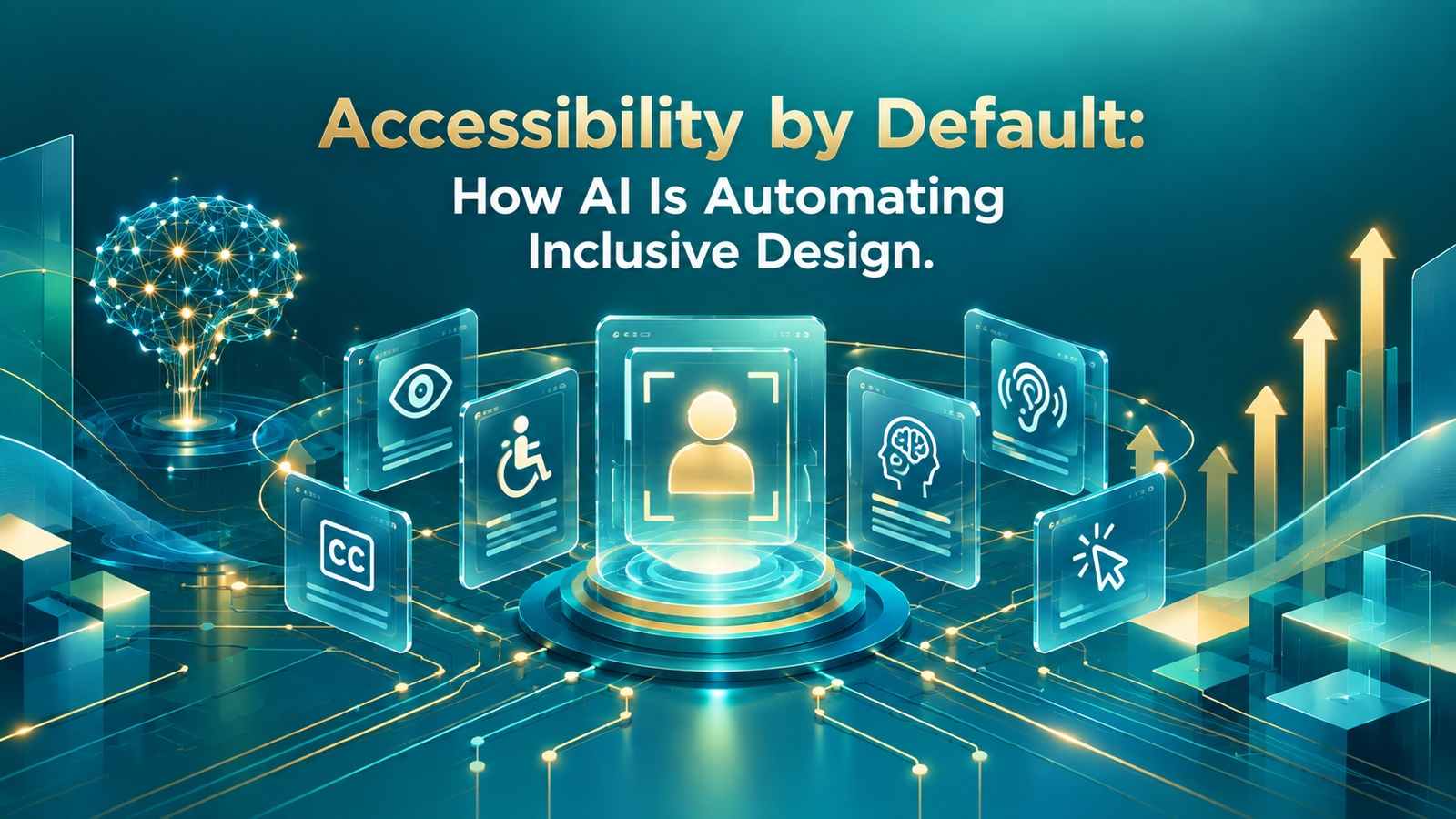
TL;DR: AI tools now generate alt text, captions, and adaptive interface adjustments automatically, letting businesses build genuinely accessible products without treating accessibility as a manual, end-of-project checklist.
Accessibility work traditionally gets scheduled at the end of a project, treated as a compliance pass rather than a core part of building the product. Teams write alt text after launch, retrofit keyboard navigation once users complain, and treat screen reader testing as an afterthought squeezed in before a deadline.
AI is changing what “by default” can mean here. Tools now generate alt text, transcribe audio, check color contrast, and flag inaccessible components automatically, as part of the build process rather than a separate cleanup phase. This article covers what AI automates well today, where it still falls short, and how to build accessibility into your development process from the start.
Why Accessibility Gets Left Until the End
Accessibility work has historically required specialized knowledge most teams do not have in-house, along with manual audits that take real time away from feature development. Under deadline pressure, teams ship first and plan to address accessibility later, and later often does not arrive.
The result is a product that technically works for most users but excludes people relying on screen readers, keyboard navigation, or captions, often without anyone on the team realizing how many users that affects.
What AI Automates Today
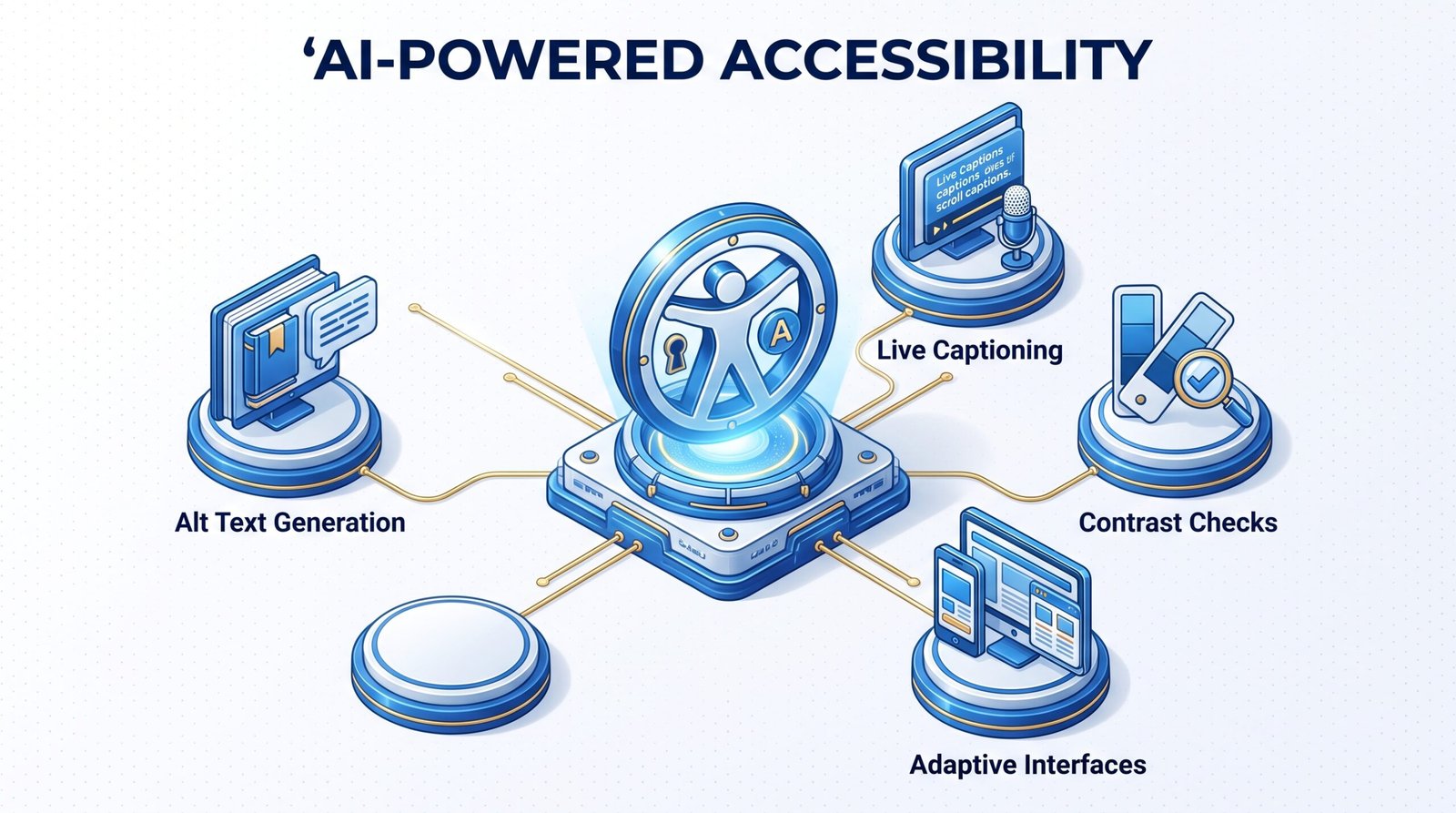
Several accessibility tasks that used to require manual work now run automatically as part of a modern build pipeline.
Alt text generation describes images for screen readers automatically, based on the actual visual content rather than a placeholder a developer forgot to update.
Live captioning and transcription convert audio and video content into text in real time, making media accessible without a separate manual transcription step.
Color contrast and readability checks flag text and background combinations that fail accessibility standards before a design ever reaches production.
Screen reader compatible component generation builds interface elements with the correct underlying structure for assistive technology from the start, instead of requiring a manual retrofit later.
Adaptive font and spacing adjustments respond to a user’s accessibility settings automatically, without requiring a business to build every variation by hand.
Where AI Still Needs Human Review
Automation handles the repetitive groundwork well, but a few areas still need people.
Context-aware alt text can miss nuance an AI model has no way to know, such as why a specific image matters to the surrounding content or a business’s brand.
Legal compliance with standards like WCAG and ADA still needs expert review, since automated tools catch technical issues but cannot fully judge legal risk on their own.
Testing with real users with disabilities remains the only way to know whether an interface actually works in practice, since automated checks confirm technical compliance, not genuine usability.
Building Accessibility Into Your Development Process
Treating accessibility as a default setting rather than a final step changes how a product gets built, not just what gets checked before launch.
Bake automated accessibility checks into your CI/CD pipeline so issues surface during development, not after a feature ships to production.
Combine automation with periodic manual audits, since automated tools catch a large share of issues but miss context that only a trained reviewer notices.
Involve real users with disabilities in testing at key milestones, rather than relying entirely on automated tools to validate a genuinely usable experience.
Our UX/UI design and web development teams build accessibility into the design and development process from day one, instead of treating it as a separate cleanup phase before launch.
FAQ
Do AI accessibility tools guarantee compliance?
No. AI tools catch a large share of common issues, but legal compliance with standards like WCAG or ADA still needs expert review to confirm.
Accessible vs. inclusive design?
Accessible design meets technical standards that let assistive technology work correctly. Inclusive design goes further, considering a wider range of user needs and contexts from the earliest design decisions.
Is automated accessibility testing enough on its own?
No. Automated testing catches technical issues efficiently, but real usability for people with disabilities still requires testing with actual users, not just automated scans.
Is adding accessibility later more expensive?
Generally, yes. Retrofitting accessibility after launch usually means reworking components that were not built with assistive technology in mind, which costs more than building them correctly the first time.
Accessibility Built In Beats Accessibility Bolted On
AI has removed most of the excuse for treating accessibility as an afterthought. The tools that generate alt text, check contrast, and flag inaccessible components now run as part of normal development, not as a separate specialized phase most teams struggle to staff.
Businesses that build accessibility in from the start ship products that work for more people, without the costly retrofit that comes from bolting it on after launch.
Contact Innosaber to review how accessible your current product really is.