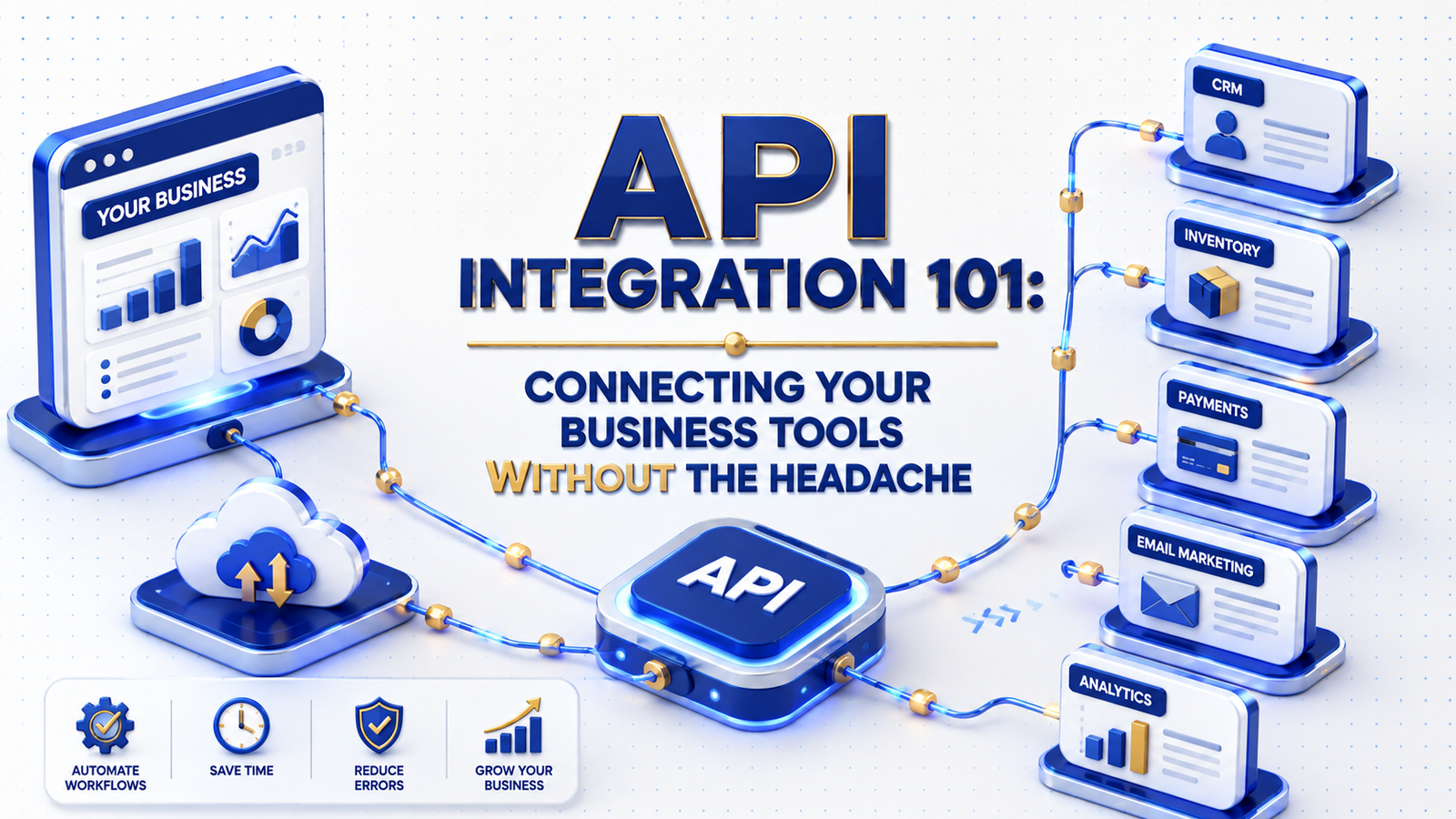
TL;DR: API integration connects the software your business already uses, such as a CRM, accounting platform, and inventory system, so data moves between them automatically instead of getting copied by hand.
Most growing businesses end up running five, ten, or fifteen different tools, each one good at its own job and blind to everything happening in the others. Someone on the team becomes the human API, retyping customer details from the CRM into the invoicing tool, or exporting inventory numbers into a spreadsheet every Friday. API integration replaces that manual bridge with a direct, automatic connection between systems, often built by a dedicated development team. This guide covers what an API integration actually does, the common ways businesses connect their tools, and what tends to go wrong when it is rushed.
What an API Integration Actually Does
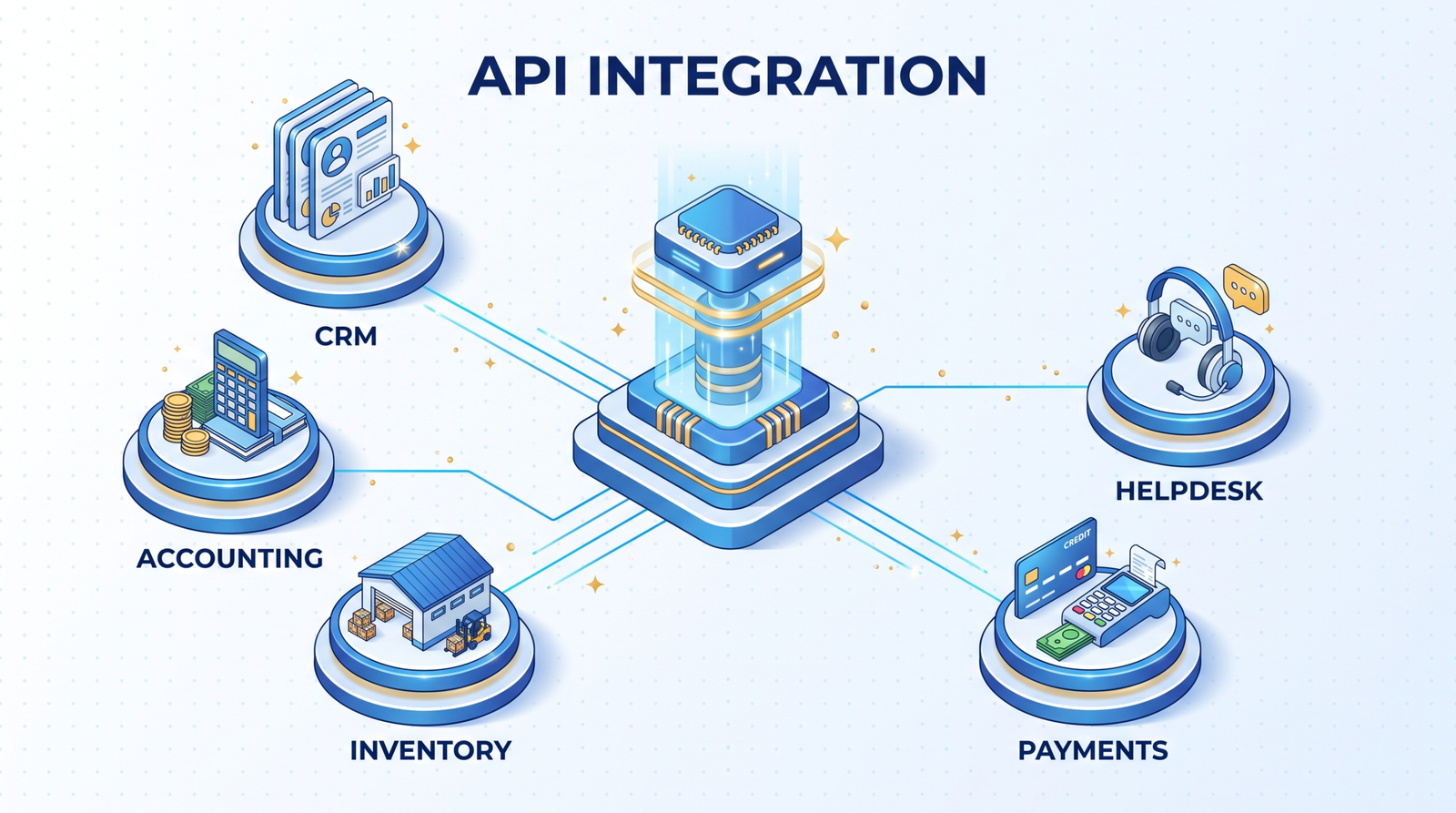
An API, or application programming interface, is simply the door a piece of software leaves open so other software can talk to it. Integrating two systems means building the connection through that door, so an action in one tool triggers an update in the other without anyone touching a keyboard.
- A new customer in your CRM automatically creates a matching record in your accounting software
- An order placed on your online store updates inventory counts in your warehouse system in real time
- A support ticket closed in your helpdesk tool logs the resolution back into your CRM
- Payment confirmation from a payment processor triggers an automatic invoice and shipping label
The Common Ways Businesses Connect Their Tools
Not every integration needs custom code, and picking the wrong approach is where most of the headache comes from.
- Native integrations: built-in connections two platforms already support, the simplest option when available
- No-code connectors: tools like Zapier or Make that link systems through pre-built triggers and actions, well suited to simpler workflows
- Custom API integration: purpose-built code that connects systems with specific logic, higher volume, or requirements no off-the-shelf connector supports
Where API Integrations Usually Go Wrong
Integrations fail quietly more often than they fail loudly. The most common issues are not exotic; they are basic gaps that show up months later.
- No error handling, so a failed sync goes unnoticed until someone spots missing data
- No rate limit awareness, which causes a connection to break under real traffic even though it worked fine in testing
- Hardcoded assumptions about data formats that break the moment one system updates its structure
- No monitoring, so nobody finds out a connection has been silently failing for weeks
Planning an Integration That Actually Holds Up
A reliable integration starts with mapping exactly which data needs to move, in which direction, and how often. Real-time sync sounds appealing for everything, but a nightly batch update is often more than enough and far more stable for lower-priority data.
It also needs a plan for what happens when something breaks. A well-built integration logs failures, retries automatically where it makes sense, and alerts someone when it cannot recover on its own. This is where custom software solutions often earns its cost back, since off-the-shelf connectors rarely include this level of resilience by default. For businesses running on legacy infrastructure, this often overlaps with enterprise software planning more broadly.
If your team is still manually re-entering data between tools every week, talk to us, and we will map out which of your systems are worth connecting first.
FAQ
Do I need custom development for every integration?
No. Many common tools already support each other natively, or through a no-code connector. Custom development becomes worthwhile for higher volume, unusual logic, or systems that don’t
have a built-in connector.
How long does a typical API integration take to build?
A straightforward integration between two well-documented systems can take one to two weeks. Integrations involving legacy systems or complex business logic take longer.
What happens if one of the connected tools changes its API?
A well-maintained integration includes monitoring that flags breaking changes quickly, so the fix happens before it causes missing or duplicate data.
Can integrations connect more than two systems at once?
Yes. Many businesses run integrations across three or more systems, often coordinated through a central platform or a purpose-built orchestration layer.
Connected Systems Are the Quiet Foundation Behind Everything Else
Most businesses do not notice how much time disconnected tools cost until someone adds up the hours spent on manual data entry across a year. By then, the fix is usually overdue.
Innosaber builds integrations around the systems a business already runs, with the error handling and monitoring that keep them reliable long after launch. Reach out to talk through which of your tools are worth connecting first.