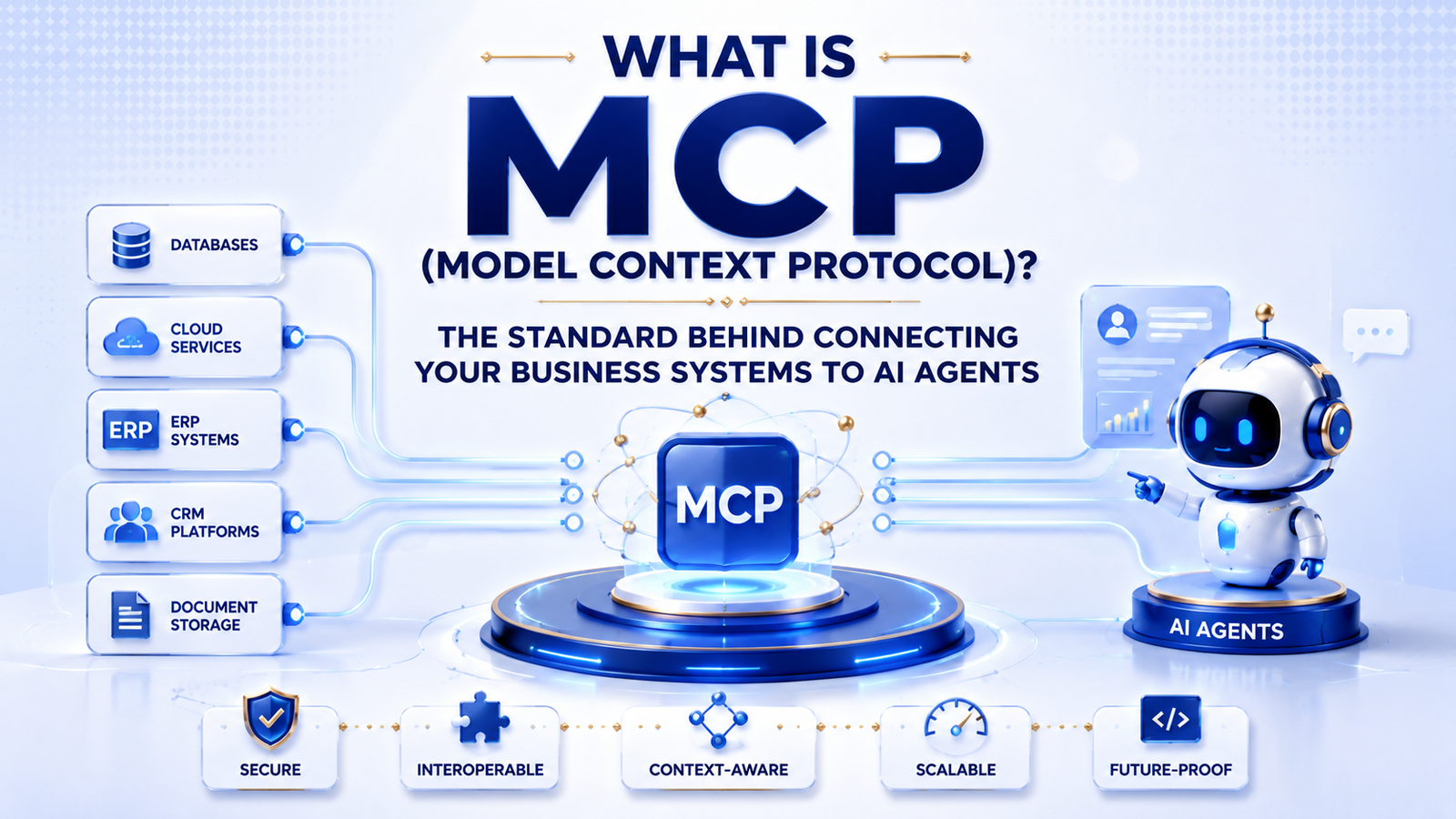
TL;DR: MCP (Model Context Protocol) is an open standard that lets AI agents connect to your business systems, such as your CRM, database, or internal tools, through one consistent interface instead of a custom integration for every tool.
Every business that wants to give an AI agent real access to its systems eventually hits the same wall: every tool speaks a different language. Your CRM has one API, your internal database has another, and your support ticketing tool has a third. Connecting an agent to all three used to mean writing and maintaining a separate integration for each one.
MCP exists to remove that wall. It is an open standard that lets an AI agent talk to any compliant system through the same interface, and it has become central to how we approach AI integration work as more clients ask how to connect their internal tools safely.
What Is MCP, in Plain Terms?
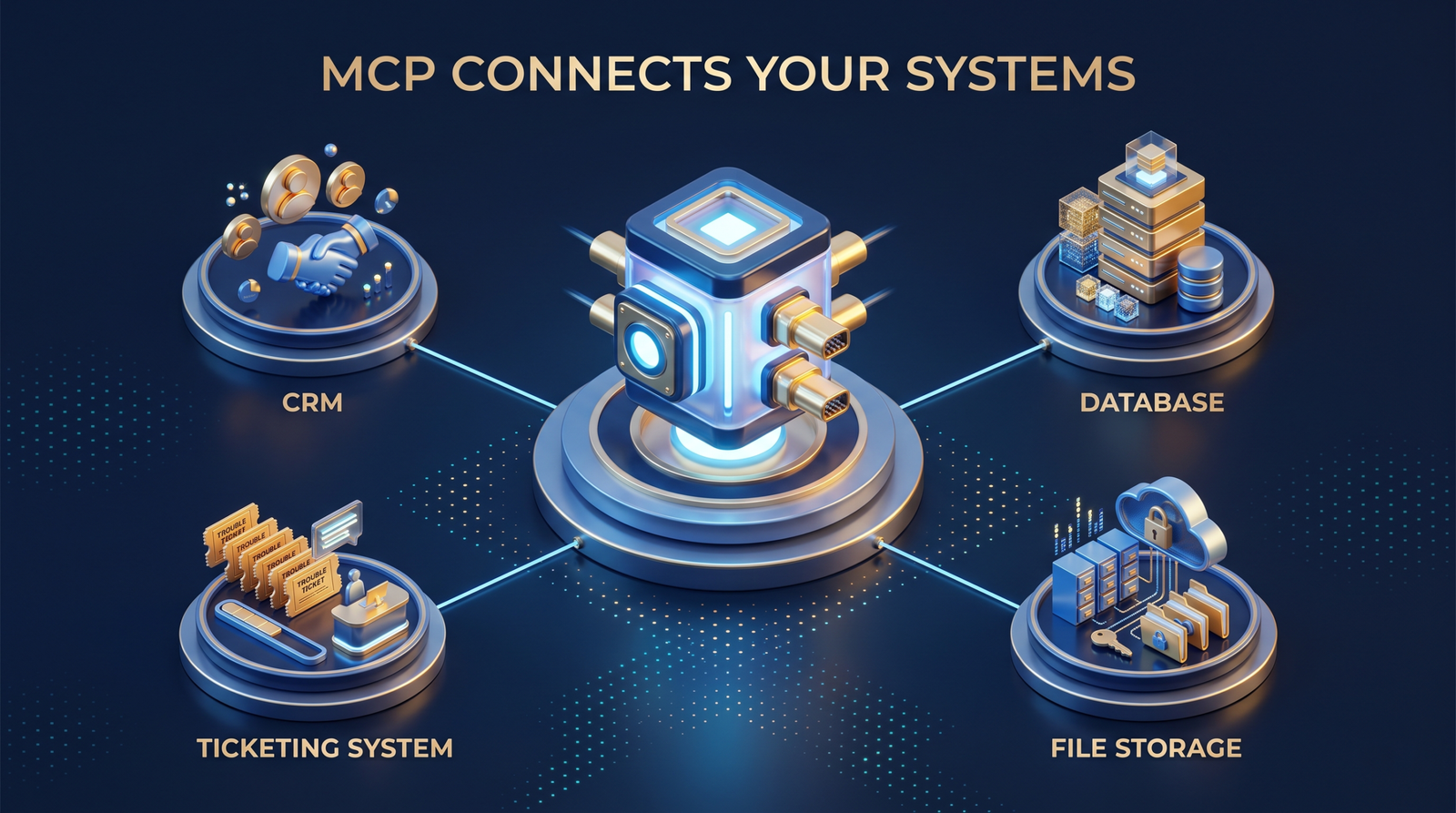
MCP works like a universal adapter. Instead of an AI model needing a custom-built connection to your CRM, your file storage, and your database separately, it connects once to an MCP server that exposes each of those systems in a consistent, predictable way. The model does not need to know how your specific database is structured. It only needs to know how to speak MCP.
Why MCP Matters for Businesses Connecting AI to Internal Systems
Before MCP, connecting an AI agent to internal software meant custom development for every system, and that work had to be repeated for every new agent or model a business wanted to try. MCP separates those two concerns. Build the MCP server for a system once, and any MCP-compatible agent can use it, whether that agent runs today’s model or next year’s.
This matters most for businesses running enterprise software where dozens of internal tools, from inventory databases to HR systems, could all benefit from agent access but cannot each justify a bespoke integration project.
How MCP Works
An MCP setup has three parts: a host, which is the AI application itself, a client, which is the connector inside that application, and a server, which exposes a specific system’s tools and data. The server defines exactly what the agent is allowed to see and do, such as reading customer records or creating a support ticket, without exposing anything beyond that scope.
Access control lives at the server level, so a business can grant an agent narrow permissions rather than blanket access to an entire database. That distinction becomes important quickly once agents start handling real customer data.
What to Evaluate Before Adopting MCP for Your Business
- Which internal systems actually benefit from agent access, rather than connecting everything by default.
- Who is responsible for maintaining each MCP server as internal systems change over time.
- What permissions and audit logging the server enforces before any agent gets write access.
- Whether your team has the development capacity to build and maintain MCP servers in-house, or whether that work should sit with a development partner.
Getting Started with MCP
Most businesses do not need to expose every system through MCP on day one. Start with one internal tool where agent access would save real time, such as a support ticketing system or an internal knowledge base, and build outward from there. If you want help scoping which systems make sense first, get in touch and our team can walk through it with you.
FAQ
What is MCP used for?
MCP lets an AI agent connect to external tools and data sources, such as a CRM or database, through one standard interface instead of a custom integration for each system.
Is MCP the same as an API?
Not quite. An API is how one piece of software talks to another. MCP is a standard way for AI agents specifically to discover and use APIs and tools without a custom-built connection for every one.
Do I need MCP if I already have APIs?
Yes, if you want AI agents to use those APIs. MCP does not replace your existing APIs; it gives an agent a consistent way to find and call them.
Is MCP secure for business systems?
Security depends on how the MCP server is built and permissioned. A well-built server limits exactly what an agent can see and do, similar to how you would scope access for a new employee.
One Protocol, Many Systems, One Point of Control
MCP turns agent integration from a repeated custom project into a one-time investment per system. That shift matters more as businesses adopt more than one AI agent across departments.
The businesses getting real value from MCP right now are the ones starting with a single, well-scoped system rather than trying to connect everything at once. Contact Innosaber to talk through which of your systems are worth connecting first.