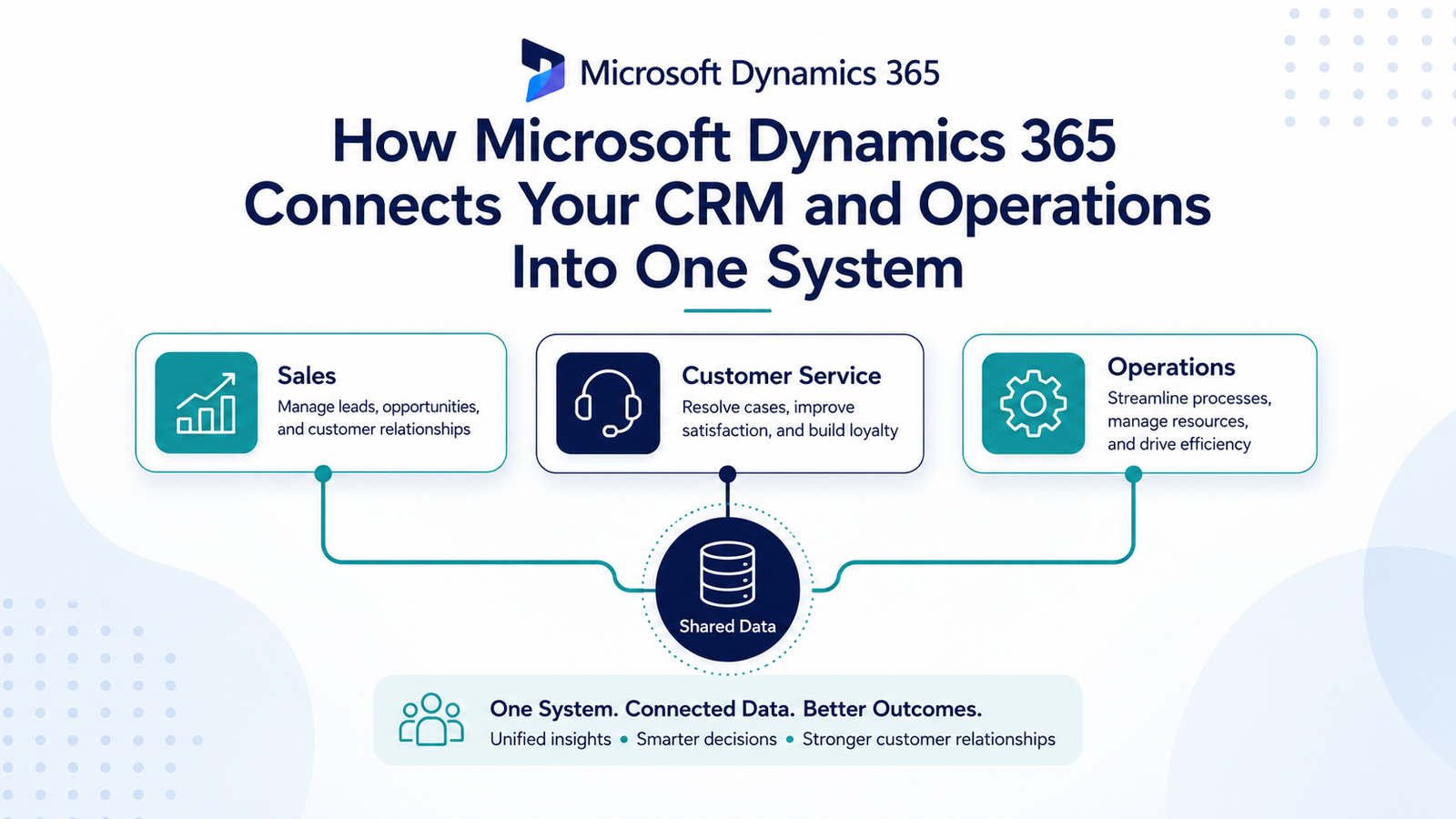
TL;DR: Microsoft Dynamics 365 connects CRM and operations by running sales, customer service, finance, and supply chain on one shared data model, so records update across apps in real time instead of through manual re-entry or custom integrations.
Microsoft Dynamics 365 combines CRM and ERP functions within a single Microsoft ecosystem. Businesses run sales, customer service, and operations from connected apps instead of separate systems. Those apps share the same data.
Companies already using Microsoft 365 often adopt Dynamics for this reason. It plugs into tools staff already know, like Outlook, Teams and Excel.
How Dynamics 365 Connects CRM and Operations
Dynamics 365 splits into individual apps, such as Sales, Customer Service, Finance, and Supply Chain Management. Each app runs on its own but shares one underlying data model.
A sales order created in the CRM app updates inventory in the operations app. There is no manual re-entry. A customer service ticket can pull up the same account’s order history, invoices, and support tickets on one screen.
This differs from bolting a separate CRM onto an existing ERP through custom software integrations. With Dynamics, the connection is native. Updates in one app show up in the other in real time.
Where the Integration Actually Helps
Sales teams see real-time inventory and pricing while building a quote, instead of checking a separate operations system.
Finance teams see customer support history when reviewing overdue accounts. That context helps them decide whether to escalate or offer flexibility.
Operations teams get demand signals straight from the sales pipeline. Cloud-based inventory planning then reflects deals close to closing, not just past orders.
What to Consider Before Adopting Dynamics 365
Dynamics 365 works best for companies already invested in the Microsoft ecosystem. If your team runs on Google Workspace or a different CRM, migrating everything is a bigger project than adding one new tool.
Licensing is modular too, so costs scale with which apps you turn on. A business using only Sales and Customer Service pays less than one running Finance and Supply Chain Management as well.
Implementation still needs proper planning. Shared data doesn’t remove the need to clean up old records. You still have to map your actual sales process and train staff on the new interface.
Getting the Most Out of Dynamics 365
The value of Dynamics 365 comes from how well it’s configured. Turning the apps on isn’t enough. It has to match your actual sales process and operations.
Innosaber’s enterprise software solutions team helps growing businesses configure Dynamics 365 properly. We make sure CRM and operations data actually work together, not just sit in the same license. Contact us to plan your rollout.
FAQ
Do I need all Dynamics 365 apps?
No. Even running two apps, such as Sales and Finance, gives you shared data between customer records and orders.
Is Dynamics 365 good for small businesses?
Modular licensing makes it workable for smaller teams. The platform’s real strength shows up once you run multiple connected apps.
How does Dynamics 365 compare to Salesforce + ERP?
Salesforce plus a separate ERP usually needs custom integration work to share data. Dynamics 365 shares data natively across its own apps, with less integration to maintain.
Does Dynamics 365 integrate with Microsoft 365 tools?
Yes. It connects natively with Outlook, Teams, and Excel. Staff can work with CRM and operations data inside tools they already use.
One System, Not Two Systems Pretending to Talk
Dynamics 365’s real advantage isn’t the individual apps. It’s that sales, service and operations data live in one place instead of three.
That only pays off with proper configuration. Turning on every app without mapping how your teams work just recreates old silos inside a new interface.
If you’re weighing Dynamics 365 for your business, get in touch with Innosaber. We’ll help you plan a rollout that fits how your teams actually work.